Discuss your project

PartITech blog

Technology blog

Technical analysis, practical guides and field experience to build, modernize and maintain sustainable applications.

232 articles Page 13

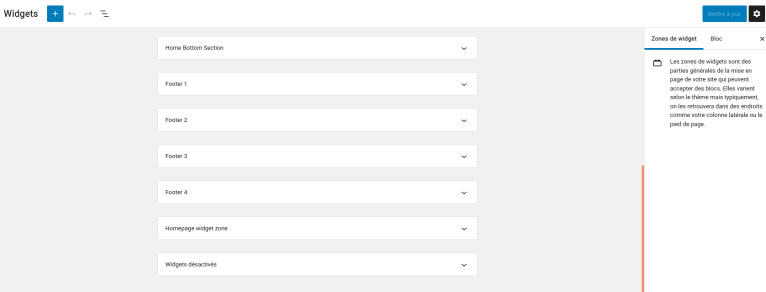
WordPress: Disable the Gutenberg editor in the widget administration

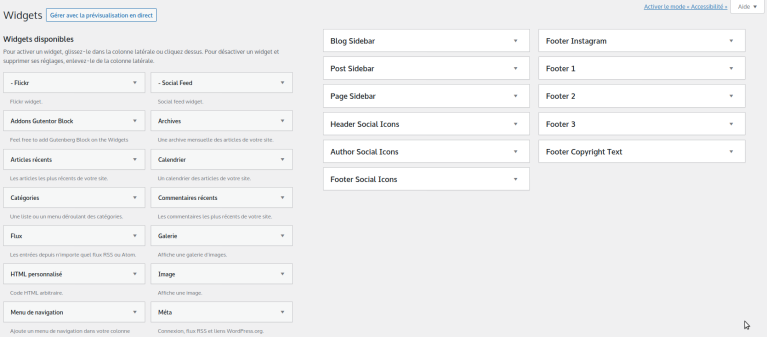
It surely did not escape your notice that WordPress updated its WYSIWYG content editor.And it works very well for standard content pages.A few months ago, the editor was implemented in the management of widgets. And then, bang…JS error when loading the page:index.js:1:3953Uncaught (in promise) TypeError: e is undefinedAnd it becomes impossible to edit already configured sidebars: "> While waiting for the Gutenberg issue to be resolved, you might ...
Replace a string in a large file with VI

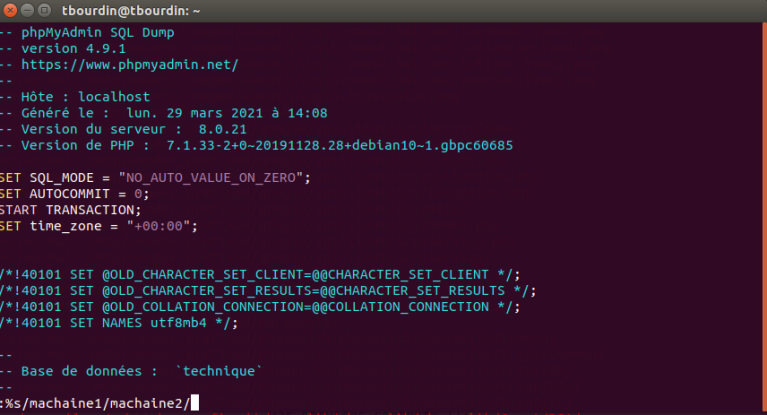
A large file, and no powerful enough editor at hand to perform a search/replace? It's simple with vi. Edit the file with the vi command vi file Then in the editor type: :%s/mystring1/mystring2/ Remplacer une chaine dans un gros fichier avec VI Alternatively, there is another option with sed: sed -i -e "s/mystring1/mystring2/g" file If the string contains special characters, they will need to be escaped with a backslash '\' sed -i -e "s/\#mystring1/\#mystring2/g" ...

Microsoft Teams: Automatically join a chat room from a link on Linux

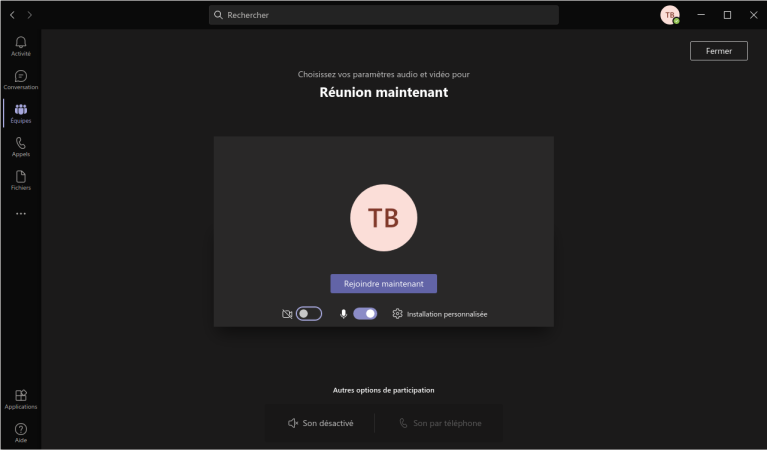
Today, using Teams on Linux is essential given its prevalence in the corporate world.You will always have a contact, a client, or a work group that uses this tool.And it works very well on Linux. EXCEPT since the latest update, where the direct access links to meetings no longer work.You click the link, a web page opens, then you click on "Open your Teams application". Then, the application opens, but not the conference. And since we're not on Zoom, it's impossible to open the c...

Gmail: Free up space by automatically deleting all archives.

Disclaimer We cannot be held responsible for any damage that may result from downloads, installation, storage, or use of software, scripts, or content from our website. Please be aware, by default, Gmail never deletes messages from your inbox. It archives them.As a result, it’s not uncommon to reach the limit of available space, even when you have just deleted all your messages. Gmail places them, not in an "Archives" section, but in "All mail". This results in a f...

WordPress: Add a new widget area to a WordPress theme

If you're familiar with WordPress themes, you know that many themes come with a widgetized sidebar. This means that you can add, remove, and rearrange widgets on your WordPress website using the "Widgets" section of your WordPress dashboard.Having a widgetized sidebar is very useful, but you may also want to widgetize other parts of your WordPress theme. It's quite easy to do, and once your theme is modified, it will be simple for you or the WordPress admini...

Symfony 4 / Sonata: Create a second interface with the same entity

Here we will see how to create a second interface while the entity is already in use in a CRUD interface.The problem with automatically generated interfaces is that they use the name of the entity to construct the routes.If we configure a second interface with an entity that is already used, we will end up with the same route as the first.To address this issue, we will use these two parameters in our admin class to override the default values.Suppose we are using the entity "model", we could...

Symfony 4 / Sonata: managing a multilingual administration interface

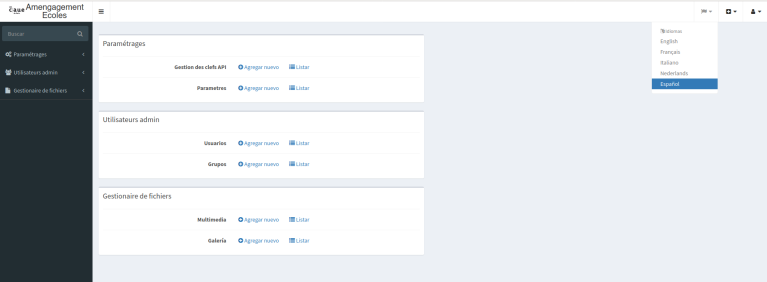
We will see how to set up a multilingual admin interface with a language selection button (language switcher).Installing translationBundle composer require sonata-project/translation-bundle bin/console assets:install The language switcher requires a specific twig filter.Otherwise, you will get an error like:Unknown "language_name" filter.Then, you need to install these two bundles composer require twig/intl-extra composer require twig/extra-bundle bin/console cache:clear We add the default c...

Symfony 4 / Sonata: managing a multi-server administration interface

We will see how to manage an admin interface that connects to multiple servers.In our example, we have set up a default MySQL server that manages our admin interface. Users, media, etc.And we have set up a PostgreSQL server that contains a table we wish to manage.We can add as many servers as we wish. Our MySQL Server We have traditionally set up a Symfony Sonata instance by default with a classic MySQL connection. So we can create our database, the schema, and...

Symfony 4 / Sonata: Using JSON fields

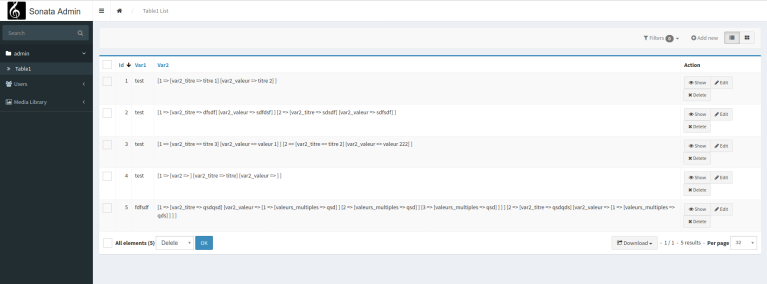
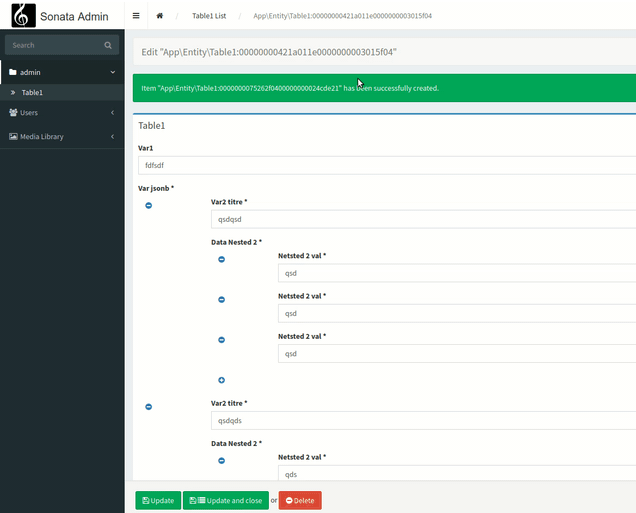
We are going to see how to exploit Jsonb field types from PostgreSQL in a generated interface of Sonata.We start with the assumption that you already master the basic concepts of Symfony, Sonata, and PostgreSQL.First, let's create a simple table in PostgreSQL that will contain a Jsonb field. CREATE SEQUENCE public.table1_id_seq; CREATE TABLE public.table1 ( id integer DEFAULT nextval('public.table1_id_seq'::regclass) NOT NULL, var1 character varying(250...

Symfony 4 / Sonata: create a custom form field type

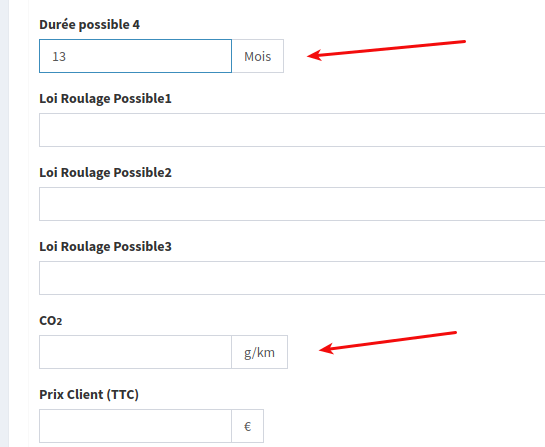
We are going to see how we can create a custom field type. In our example, we want a field that has the same rendering as a MoneyType field but in which we can add any suffix, as the money field only accepts currencies. However, in our project we want to use kilograms, months or even kilometers. In short, a whole range of possible data types.We start by creating our Type class: <?php // src/Form/Type/NumberSuffixType.php namespace App\Form\Type; use Symfony\Component\Form\AbstractType; u...

Symfony 4 / Sonata: Create a settings interface.

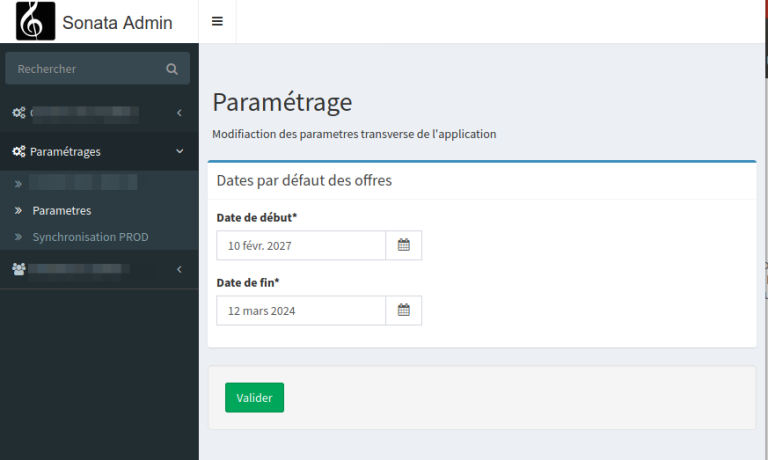
One of the recurring needs of a web project is the need for global parameters for your application. Generally, these are stored in a yml file and that's all you need. But it gets complicated when the client asks to be able to have control over them.Give them FTP/SSH access to modify them? No, definitely not. Especially if it’s to delegate this task to an intern.You will need to provide them with an admin interface with a form to be able to modify these parameters.In our case, we only need a ...

Symfony 4 / Sonata: Create a REST API

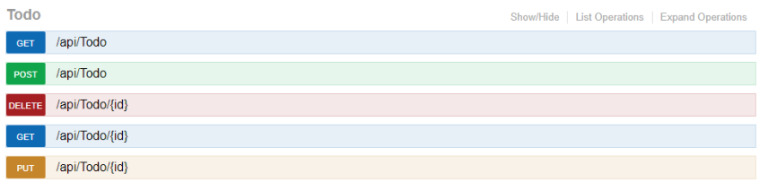
In this article, we will see how to create a REST API with FOS/RestBundle, including authentication, and a Swagger-like documentation generator. List of necessary bundles:friendsofsymfony/rest-bundle: Provides a set of tools to help develop a RESTful APIhttps://github.com/FriendsOfSymfony/FOSRestBundlejms/serializer-bundle: Allows object serialization.https://packagist.org/packages/jms/serializer-bundlelexik/jwt-authentication-bundle: Manages JSON web tokens.htt...