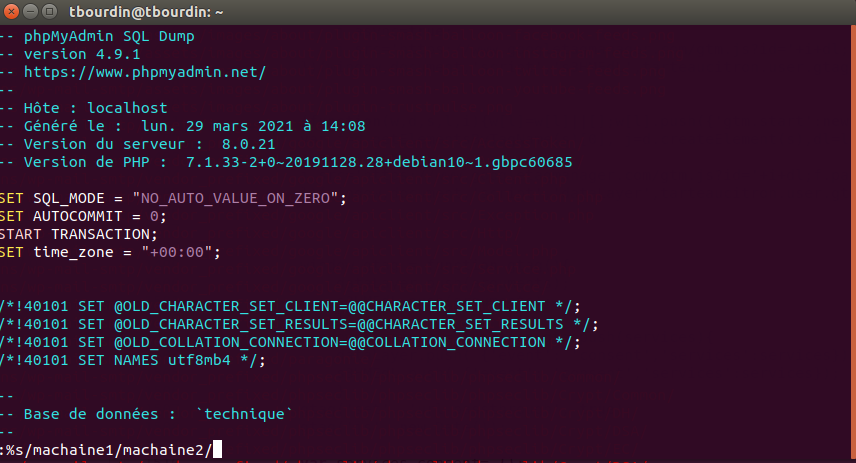
A large file, and no powerful enough editor at hand to perform a search/replace? It's simple with vi. Edit the file with the vi command vi file Then in the editor type: :%s/mystring1/mystring2/
Remplacer une chaine dans un gros fic...
TBWritten byThomas Bourdin1 min read
A large file, and no powerful enough editor at hand to perform a search/replace?
It's simple with vi.
Edit the file with the vi command vi file
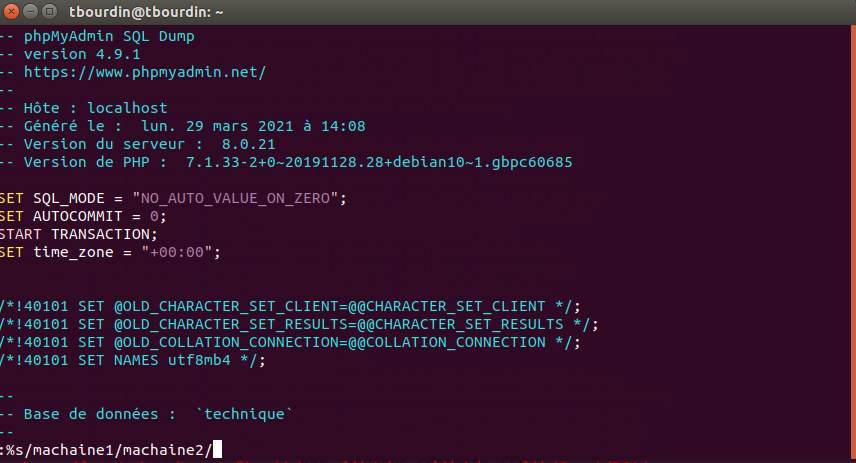
Then in the editor type: :%s/mystring1/mystring2/
Remplacer une chaine dans un gros fichier avec VI
Alternatively, there is another option with sed: sed -i -e "s/mystring1/mystring2/g" file
If the string contains special characters, they will need to be escaped with a backslash '\'
sed -i -e "s/\#mystring1/\#mystring2/g" file
Precautions before executing the order
This tutorial retains the command and the context of its publication. Before using it on a current repository, inspect the branch, the modified files, and the exact target:
git status --short
git log --oneline --decorate -5
Create a backup branch or tag when the operation rewrites history or deletes files. In particular, git reset --hard overwrites the changes in the working directory.