






It surely did not escape your notice that WordPress updated its WYSIWYG content editor.
And it works very well for standard content pages.
A few months ago, the editor was implemented in the management of widgets.
And then, bang…
index.js:1:3953
Uncaught (in promise) TypeError: e is undefined
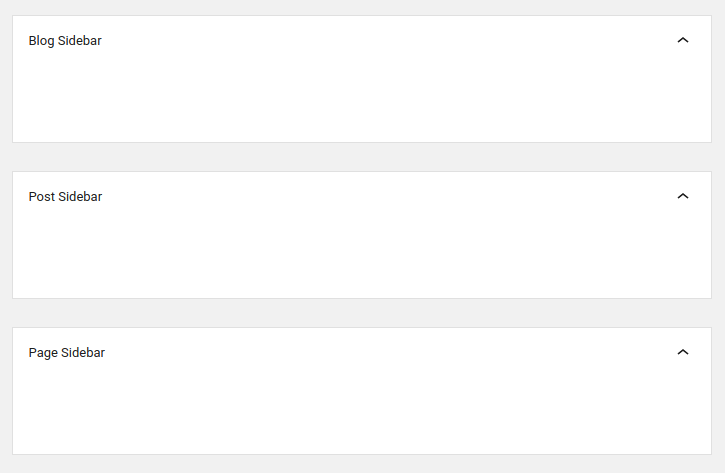
And it becomes impossible to edit already configured sidebars:
 ">
">
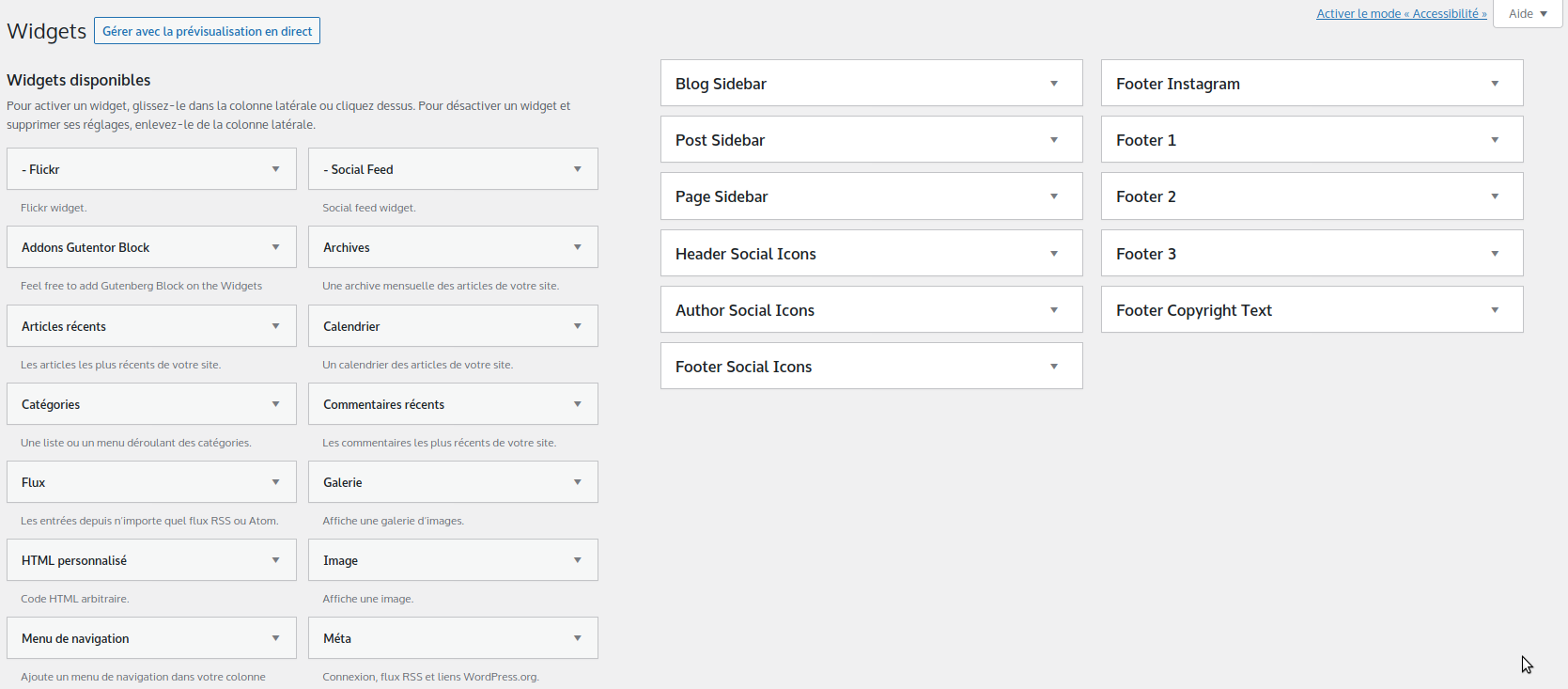
While waiting for the Gutenberg issue to be resolved, you might want to switch back to the old widget editing mode.
For that, you just need to add this small directive to the functions.php file of your theme, or create a child theme if you're using a purchased theme that might get updated.
remove_theme_support( 'widgets-block-editor' );
 ">
">
Reproduce this customization today
The principle of the hook remains useful, but the administration screens and WordPress APIs have evolved since the publication. Test the code in a staging environment with the exact version of the site's core, theme, and plugins.
- Save the files and the database before making any changes.
- Control user capabilities, nonces, input validation, and output escaping.
- Place customizations in a dedicated plugin or a child theme to preserve updates.
Reference: official WordPress plugin development manual.