






Here are the commands to initialize a Symfony project with a secure admin.
To run Symfony 6 we will need to install php8.0 or php8.1
For php8.0
sudo apt-get install php8.0-cli libapache2-mod-php8.0 php8.0-common php8.0-opcache php8.0-igbinary php8.0-imagick php8.0-msgpack php8.0-readline php8.0-memcached php8.0-xml php8.0-mbstring php8.0-gd php8.0-mysql php8.0-curl php8.0-intl php8.0-memcache php8.0-memcached memcached libapache2-mod-php8.0 php8.0-zip php8.0-mysql
For php8.1
sudo apt-get install php8.1-cli libapache2-mod-php8.1 php8.1-common php8.1-opcache php8.1-igbinary php8.1-imagick php8.1-msgpack php8.1-readline php8.1-memcached php8.1-xml php8.1-mbstring php8.1-gd php8.1-mysql php8.1-curl php8.1-intl php8.1-memcache php8.1-memcached memcached libapache2-mod-php8.1 php8.1-zip php8.1-mysql
Then we install the project's skeleton.
php8.1 composer.phar create-project symfony/skeleton:"6.0.x-dev" skeleton-sf6
cp composer.phar skeleton-sf6/
cd skeleton-sf6
php8.1 composer.phar require webapp
At this point, we check that everything is working by launching the PHP built-in web server.
php8.1 -S localhost:8000 -t public
This gives us the following URL in our browser: http://localhost:8000/
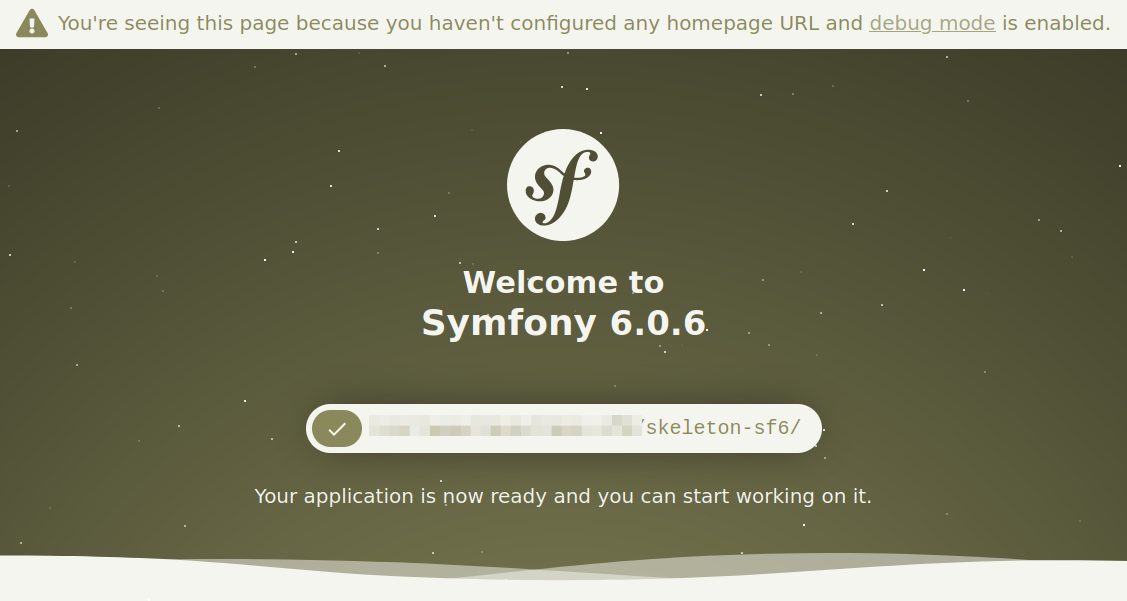
Next, we install the user-bundle, which is necessary for the Sonata
admin. It will install all the necessary dependencies, including
Sonata/admin.
We take care to downgrade Symfony/translation
which is too recent in our skeleton for Sonata at this time.
php8.1 composer.phar require symfony/translation-contracts:2.5
php8.1 composer.phar require sonata-project/user-bundle:5.x-dev
php8.1 bin/console assets:install
We encounter a first problem:
The child config "resetting" under "sonata_user" must be configured.
For this, we need to add a default configuration in /config/packages/sonata_user.yaml
#####/config/packages/sonata_user.yaml
sonata_user:
    class:
        user: App\Entity\User
    resetting:
        email:
            address: "test@test.com"
            sender_name: Backoffice
And do a console/bin cache:clear
php8.1 bin/console cache:clear
We then install Sonata/admin. By installing doctrine-orm-admin-bundle we will automatically install admin-bundle, avoiding any conflicts.
php8.1 composer.phar require sonata-project/doctrine-orm-admin-bundle
php8.1 bin/console assets:install
We check our site from the web server.
php8.1 -S localhost:8000 -t public
We should get the following error:
An exception has been thrown during the rendering of a template ("Asset manifest file "/public/build/manifest.json" does not exist.").
Il faudra installer webpack
yarn add --dev @symfony/webpack-encore
yarn add webpack-notifier --dev
yarn encore dev
Sonata admin is correctly installed. The authentication is not configured yet, and we still miss the media management and classifications (we will see classifications in a future article).
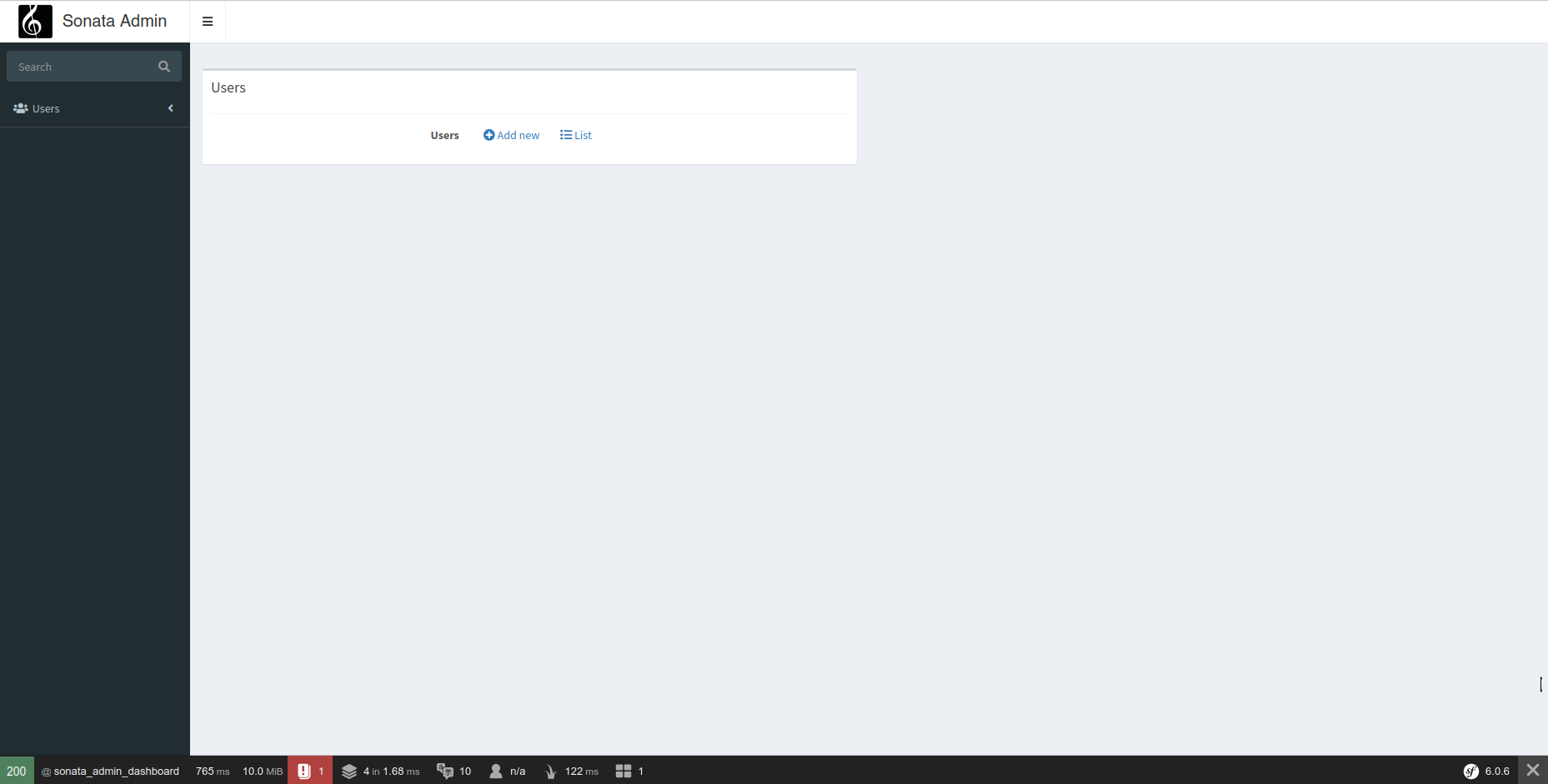
We install and configure the ACLs.
php8.1 composer.phar require symfony/acl-bundle
We configure sonata_user.yml
#####/config/packages/sonata_user.yaml

sonata_user:
    class:
        user: App\Entity\User
    resetting:
        email:
            address: "test@test.com"
            sender_name: Backoffice

    security_acl: true
    manager_type: orm # can be orm or mongodb
We configure security.yaml
#####/config/packages/security.yaml
security:
    enable_authenticator_manager: true
    password_hashers:
        Sonata\UserBundle\Model\UserInterface:
            algorithm: auto
    providers:
        sonata_user_bundle:
            id: sonata.user.security.user_provider
    access_decision_manager:
        strategy: unanimous

    firewalls:
        dev:
            pattern: ^/(_(profiler|wdt)|css|images|js)/
            security: false
        admin:
            lazy: true
            pattern: /admin(.*)
            provider: sonata_user_bundle
            context: user
            switch_user: true
            form_login:
                login_path: sonata_user_admin_security_login
                check_path: sonata_user_admin_security_check
                default_target_path: sonata_admin_dashboard
            logout:
                path: sonata_user_admin_security_logout
                target: sonata_user_admin_security_login
            remember_me:
                #secret: "%env(APP_SECRET)%"
                secret: "123456"
                lifetime: 2629746
                path: /admin


    access_control:
        - { path: ^/admin/login$, role: PUBLIC_ACCESS }
        - { path: ^/admin/logout$, role: PUBLIC_ACCESS }
        - { path: ^/admin/login_check$, role: PUBLIC_ACCESS }
        - { path: ^/admin/request$, role: PUBLIC_ACCESS }
        - { path: ^/admin/check-email$, role: PUBLIC_ACCESS }
        - { path: ^/admin/reset/.*$, role: PUBLIC_ACCESS }
        - { path: ^/admin/, role: ROLE_ADMIN }

    role_hierarchy:
        ROLE_ADMIN:
            - ROLE_USER
            - ROLE_SONATA_ADMIN
            - ROLE_SONATA_USER_ADMIN_USER_VIEW
        ROLE_SUPER_ADMIN:
            - ROLE_ADMIN
            - ROLE_ALLOWED_TO_SWITCH
We add the admin routes.
#####/config/route.yaml
sonata_user_admin_security:
    resource: '@SonataUserBundle/Resources/config/routing/admin_security.xml'
    prefix: /admin

sonata_user_admin_resetting:
    resource: '@SonataUserBundle/Resources/config/routing/admin_resetting.xml'
    prefix: /admin/resetting
We create our user entity.
#/src/Entity/User.php
<?php
namespace App\Entity;

use Doctrine\ORM\Mapping as ORM;
use Sonata\UserBundle\Entity\BaseUser;

/**
 * @ORM\Entity
 * @ORM\Table(name="user__user")
 */
class User extends BaseUser
{
    /**
     * @ORM\Id
     * @ORM\GeneratedValue
     * @ORM\Column(type="integer")
     */
    protected $id;
}
We update the database schema and create our admin user.
php8.1 bin/console doctrine:schema:update --force
php8.1 bin/console sonata:user:create admin admin@test.com admin123456
php8.1 bin/console sonata:user:promote --super-admin admin
We restart our server and test the URL: http://localhost:8000/admin/dashboard
php8.1 -S localhost:8000 -t public
We are correctly redirected to the login screen.
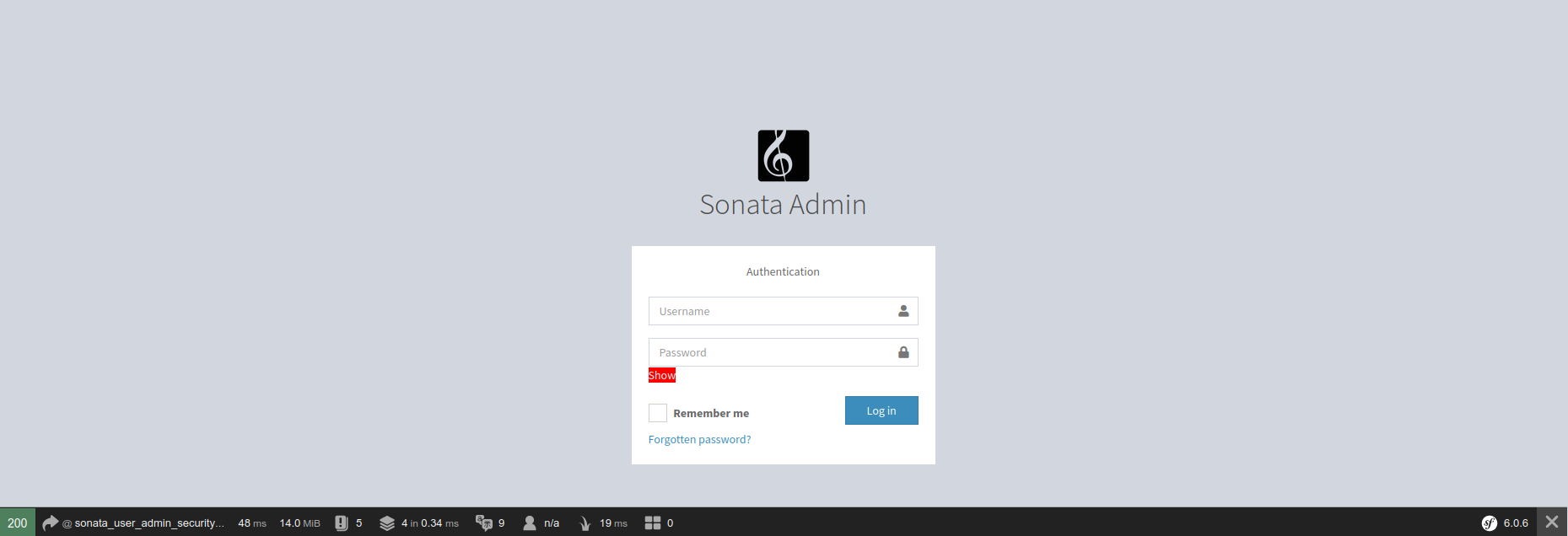
The user is authorized to enter the admin.
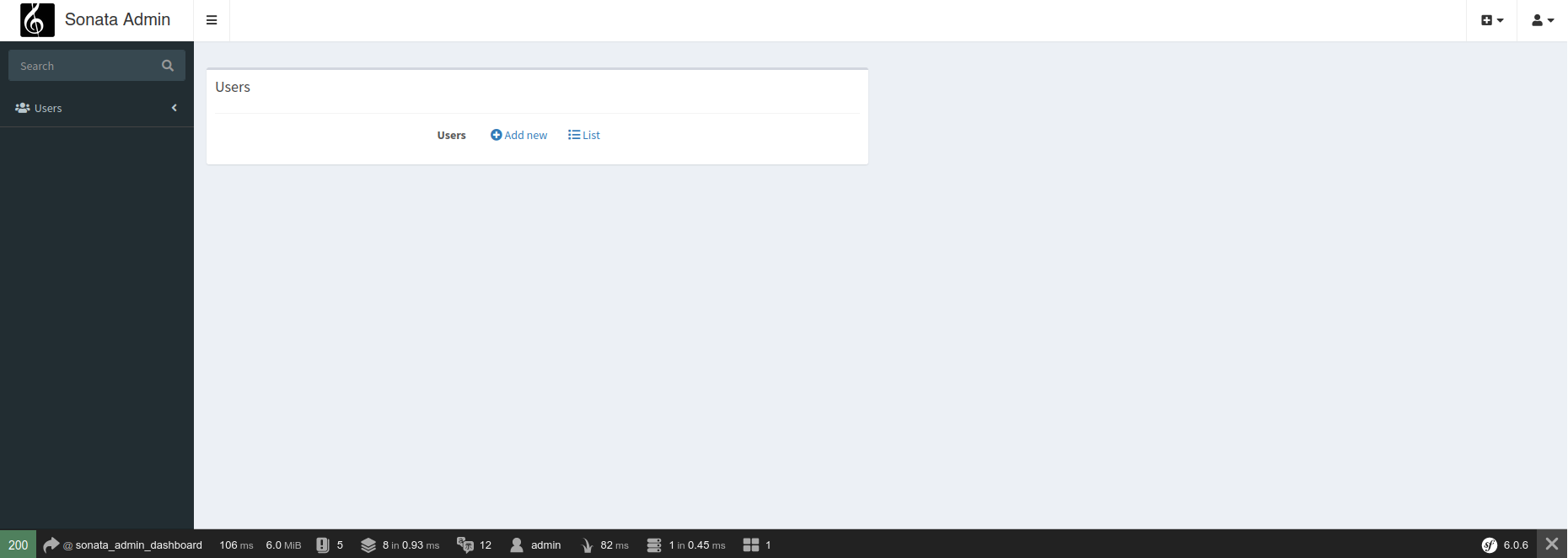
We now configure the media management.
We create 3 entities: Gallery, GalleryItem, and Media in a separate
directory structure so as not to clutter our application. We will
do the same for UserBundle and ClassificationBundle.
We will
place everything in src/Application/Sonata/MediaBundle/Entity
<?php

declare(strict_types=1);

namespace App\Application\Sonata\MediaBundle\Entity;

use Doctrine\ORM\Mapping as ORM;
use Sonata\MediaBundle\Entity\BaseGallery;

/**
 * @phpstan-extends BaseGallery<GalleryItem>
 *
 * @ORM\Entity
 * @ORM\Table(name="media__gallery")
 */
class Gallery extends BaseGallery
{
    /**
     * @ORM\Id
     * @ORM\GeneratedValue
     * @ORM\Column(type="integer")
     */
    private ?int $id = null;

    public function getId(): ?int
    {
        return $this->id;
    }
}
<?php

declare(strict_types=1);

namespace App\Application\Sonata\MediaBundle\Entity;

use Doctrine\ORM\Mapping as ORM;
use Sonata\MediaBundle\Entity\BaseGalleryItem;

/**
 * @ORM\Entity
 * @ORM\Table(name="media__gallery_media")
 */
class GalleryItem extends BaseGalleryItem
{
    /**
     * @ORM\Id
     * @ORM\GeneratedValue
     * @ORM\Column(type="integer")
     */
    private ?int $id = null;

    public function getId(): ?int
    {
        return $this->id;
    }
}
<?php

declare(strict_types=1);

namespace App\Application\Sonata\MediaBundle\Entity;

use Doctrine\ORM\Mapping as ORM;
use Sonata\MediaBundle\Entity\BaseMedia;
use App\Application\Sonata\ClassificationBundle\Entity\SonataClassificationCategory as SonataClassificationCategory;

/**
 * @ORM\Entity
 * @ORM\Table(name="media__media")
 */
class Media extends BaseMedia
{
    /**
     * @ORM\Id
     * @ORM\GeneratedValue
     * @ORM\Column(type="integer")
     */
    private ?int $id = null;

    /**
     * @var SonataClassificationCategory|null
     */
    protected ?object $category = null;

    public function getId(): ?int
    {
        return $this->id;
    }


    public function getCategory(): ?object
    {
        return $this->category;
    }

    public function setCategory(?object $category = null): void
    {
        $this->category = $category;
    }
}
We add the configuration in sonata_media.yaml
sonata_media:
    class:
        media: App\Application\Sonata\MediaBundle\Entity\Media
        gallery: App\Application\Sonata\MediaBundle\Entity\Gallery
        gallery_item: App\Application\Sonata\MediaBundle\Entity\GalleryItem
    default_context: default
    db_driver: doctrine_orm
    providers:
        file:
            allowed_extensions: [jpg, png, jpeg, pdf, ogv, mp4, webm]
            allowed_mime_types:
                - image/pjpeg
                - image/jpeg
                - image/png
                - image/x-png
                - application/pdf
                - application/x-pdf
                - application/ogg
                - video/mp4
                - video/webm

    contexts:
        default:
            providers:
                - sonata.media.provider.dailymotion
                - sonata.media.provider.youtube
                - sonata.media.provider.image
                - sonata.media.provider.file
                - sonata.media.provider.vimeo

            formats:
                small: { width: 100 , quality: 70}
                big:   { width: 500 , quality: 70}

    cdn:
        server:
            path: /upload/media

    filesystem:
        local:
            # Directory for uploads should be writable
            directory: "%kernel.project_dir%/public/upload/media"
            create: false
We add our override structure for MediaBundle in config/packages/doctrine.yaml
doctrine:
    dbal:
        url: '%env(resolve:DATABASE_URL)%'

        # IMPORTANT: You MUST configure your server version,
        # either here or in the DATABASE_URL env var (see .env file)
        #server_version: '13'
    orm:
        auto_generate_proxy_classes: true
        naming_strategy: doctrine.orm.naming_strategy.underscore_number_aware
        auto_mapping: true
        mappings:
            App:
                is_bundle: false
                dir: '%kernel.project_dir%/src/Entity'
                prefix: 'App\Entity'
                alias: App

            App\Application\Sonata\MediaBundle:
                is_bundle: false
                dir: '%kernel.project_dir%/src/Application/Sonata/MediaBundle/Entity'
                prefix: 'App\Application\Sonata\MediaBundle\Entity'
                alias: App\Application\Sonata\MediaBundle

        filters:
            softdeleteable:
                class: Gedmo\SoftDeleteable\Filter\SoftDeleteableFilter
We update the database schema.
php8.1 bin/console doctrine:schema:update --force
We configure our default sonata_admin.yml.
sonata_admin:
    title: Backoffice
    title_logo: /bundles/sonataadmin/images/logo_title.png
    show_mosaic_button: false
    security:
        handler: sonata.admin.security.handler.role
    options:
        default_admin_route: edit
        html5_validate: false
    global_search:
        admin_route: edit
    breadcrumbs:
        child_admin_route: edit
    dashboard:
        groups:
            users:
                label: Users
                icon: <i class="fa fa-users"></i>
                on_top: true
                items:
                    - sonata.user.admin.user
            media:
                label: Media
                icon: <i class="fa fa-photo"></i>
                on_top: true
                items:
                    - sonata.media.admin.media
And everything works.
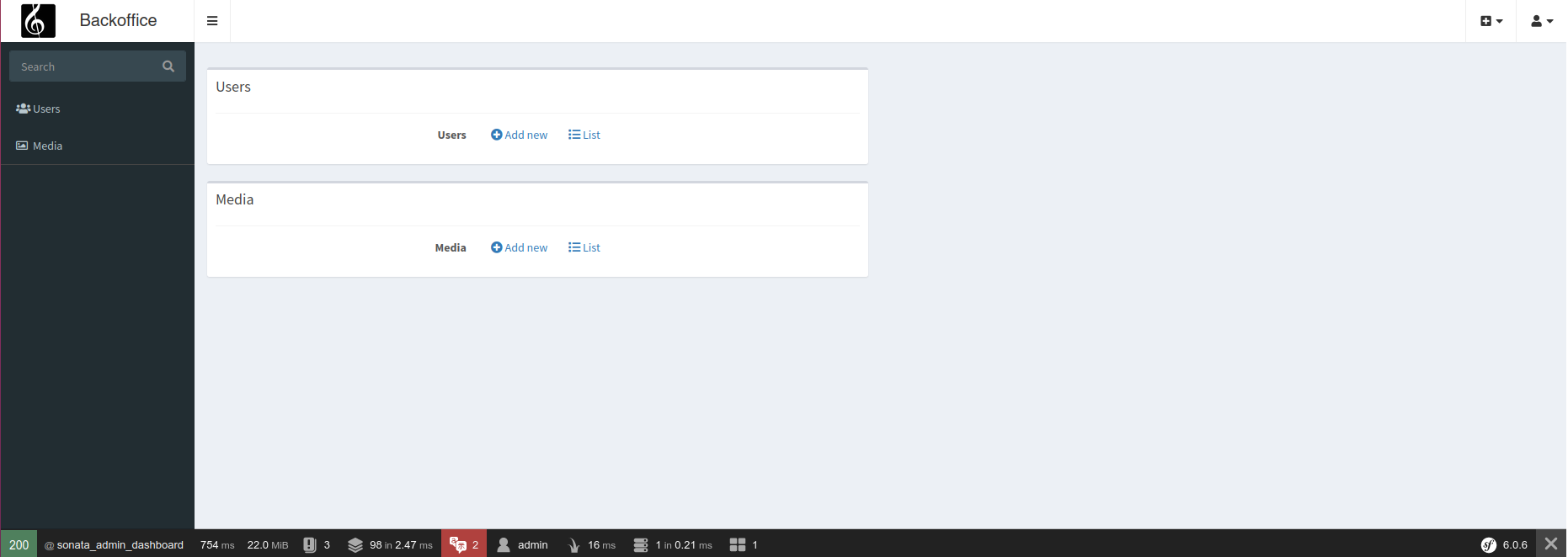
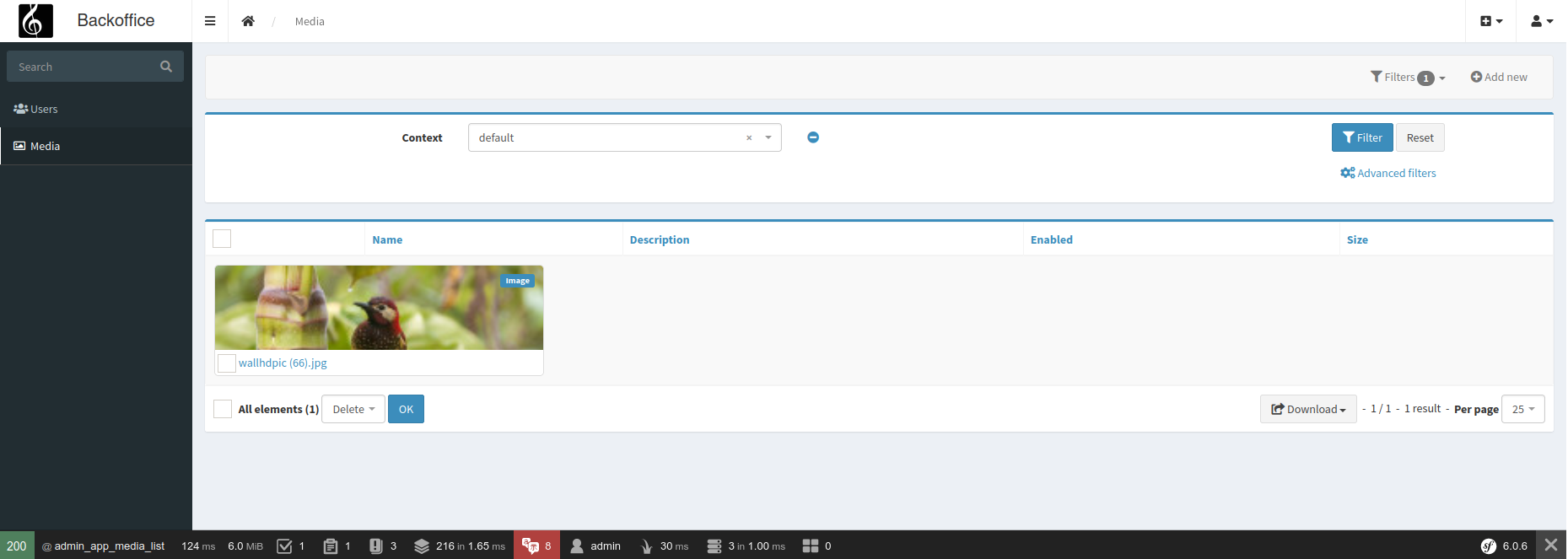
Adapt the example to the installed version
The Symfony and Sonata examples remain tied to the versions indicated in the article. Symfony 4.x and Symfony 6.2 are no longer maintained: for a current project, use a maintained branch and the documentation that exactly matches your dependencies.
php bin/console about
composer show symfony/framework-bundle sonata-project/admin-bundle
Before resuming the code, check the signatures, services, routes, and templates concerned. Then add a functional test covering permissions, HTTP code, and the visible result.
Reference: maintained Symfony versions.