To revert to a clean working copy, you can delete all the files in your directory, leaving the hidden git files, and run the following command:git reset --hard origin/dev
Precautions before executing the order
This tutorial retains the command and the co...
TBWritten byThomas Bourdin1 min read
To revert to a clean working copy, you can delete all the files in your directory, leaving the hidden git files, and run the following command:
git reset --hard origin/dev
Precautions before executing the order
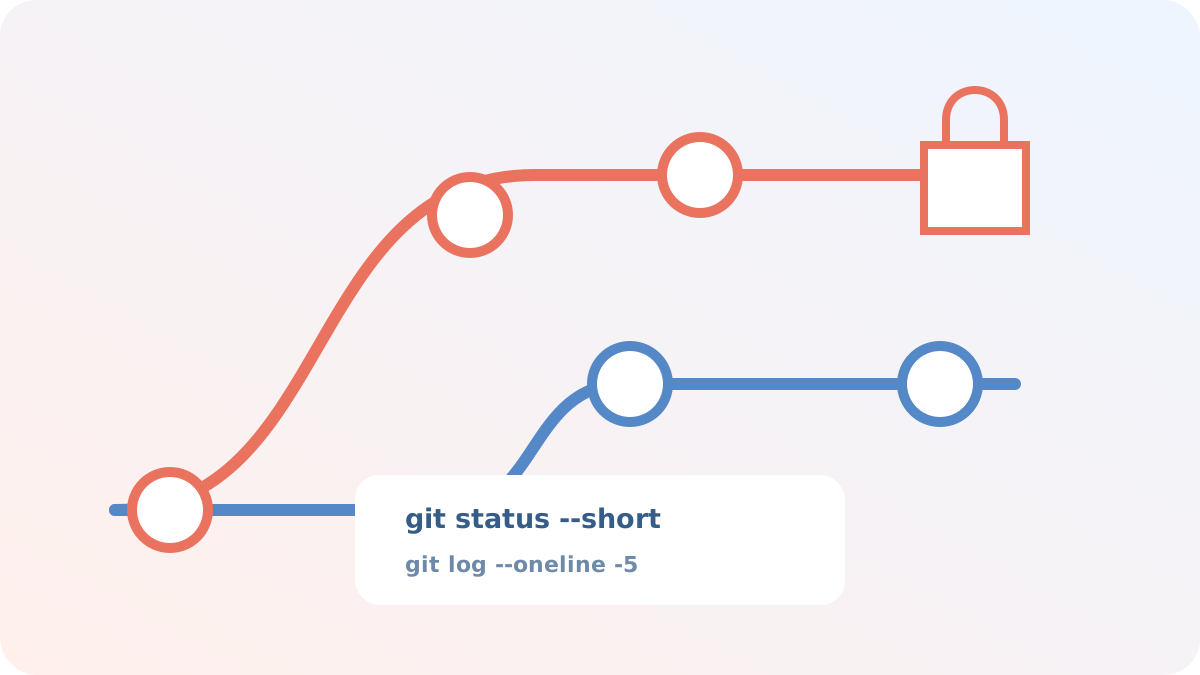
This tutorial retains the command and the context of its publication. Before using it on a current repository, inspect the branch, the modified files, and the exact target:
git status --short
git log --oneline --decorate -5
Create a backup branch or tag when the operation rewrites history or deletes files. In particular, git reset --hard overwrites the changes in the working directory.