






All these little tools will be useful for the paranoid, but in my case, they cause the machine to crash and make me unproductive.
After removing them, the machine finally became stable.
1 – Disable error reporting.
vi /etc/default/apport
set the parameter:
enabled=0
2 – Remove snapd
sudo apt autoremove --purge snapd
sudo apt-get remove --purge gnome-software-plugin-snap
rm -rf ~/snap
3 – Remove apparmor
sudo /etc/init.d/apparmor stop
sudo update-rc.d -f apparmor remove
4 – Install a recent kernel
sudo apt-get install --install-recommends linux-generic-hwe-18.04 xserver-xorg-hwe-18.04
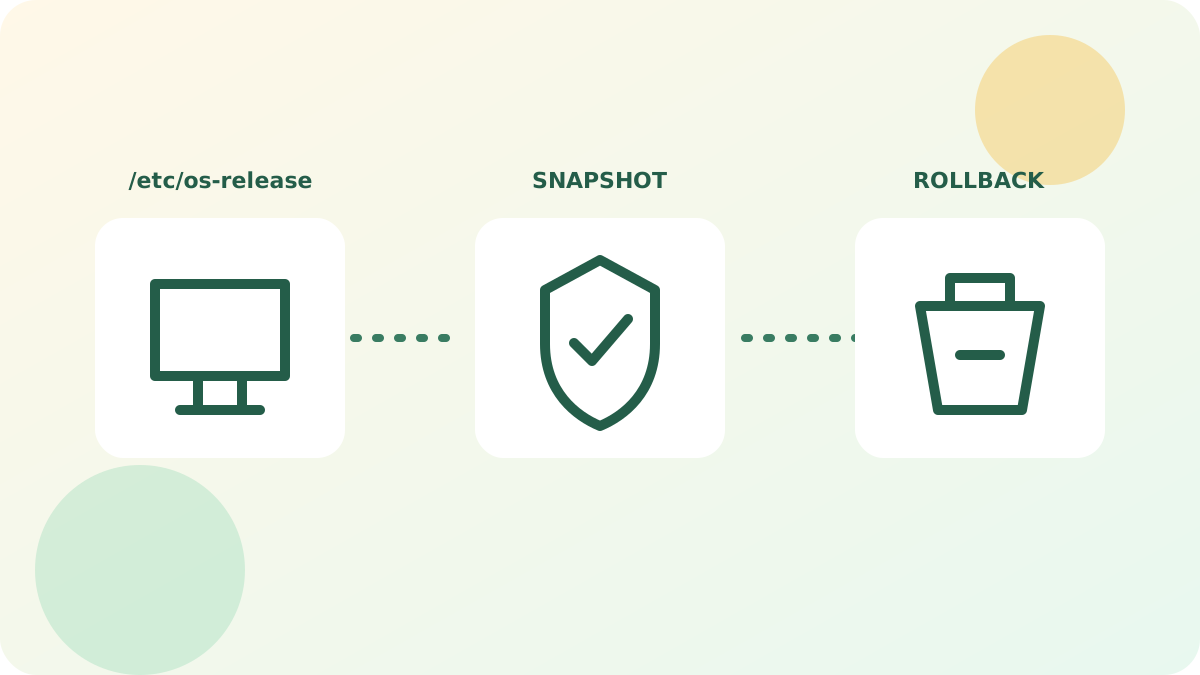
Version context
This procedure describes the software and the environment available at the time of its publication. The packages, interfaces, and repositories mentioned may have changed or disappeared; first check the system version and its support level.
cat /etc/os-release
uname -r
Work on a backup or a snapshot, note every modified file, and prepare for rollback. For a current workstation or server, prefer signed packages from officially supported repositories.
Reference: official Ubuntu lifecycle.