






https://vpsineu.com/blog/how-to-build-and-install-php-5-6-9-from-source-on-ubuntu-14-04-vps/
Installing the necessary libraries
sudo apt-get install libfcgi-dev libfcgi0ldbl libjpeg62-dbg libmcrypt-dev libssl-dev libbz2-dev libjpeg-dev libfreetype6-dev libpng12-dev libxpm-dev libxml2-dev libpcre3-dev libbz2-dev libcurl4-openssl-dev libjpeg-dev libpng12-dev libxpm-dev libfreetype6-dev libmysqlclient-dev libgmp-dev libsasl2-dev libmhash-dev unixodbc-dev freetds-dev libpspell-dev libsnmp-dev libtidy-dev libxslt1-dev libmcrypt-dev libdb5.3-dev libgd-dev libxfont1 libxfont-dev
Downloading the sources:
sudo wget -O /var/tmp/php-5.6.9.tar.bz2 http://bg2.php.net/get/php-5.6.9.tar.bz2/from/this/mirror
Unpacking the sources:
sudo tar -xvjpf /var/tmp/php-5.6.9.tar.bz2 -C /opt/build
Configuring the source:
cd /opt/build/php-5.6.9

./configure \
--enable-fpm \
--with-mcrypt \
--enable-mbstring \
--with-openssl \
--with-mysql \
--with-mysql-sock \
--with-gd \
--with-jpeg-dir=/usr/lib \
--enable-gd-native-ttf  \
--with-pdo-mysql \
--with-libxml-dir=/usr/lib \
--with-mysqli=/usr/bin/mysql_config \
--with-curl \
--enable-zip  \
--enable-sockets \
--with-zlib \
--enable-exif \
--enable-ftp \
--with-iconv \
--with-gettext \
--enable-gd-native-ttf \
--with-t1lib=/usr \
--with-freetype-dir=/usr \
--prefix=/opt/PHP-5.6 \
--with-config-file-path=/opt/PHP-5.6/etc \
--with-fpm-user=www-data \
--with-fpm-group=www-data
Compatibility context
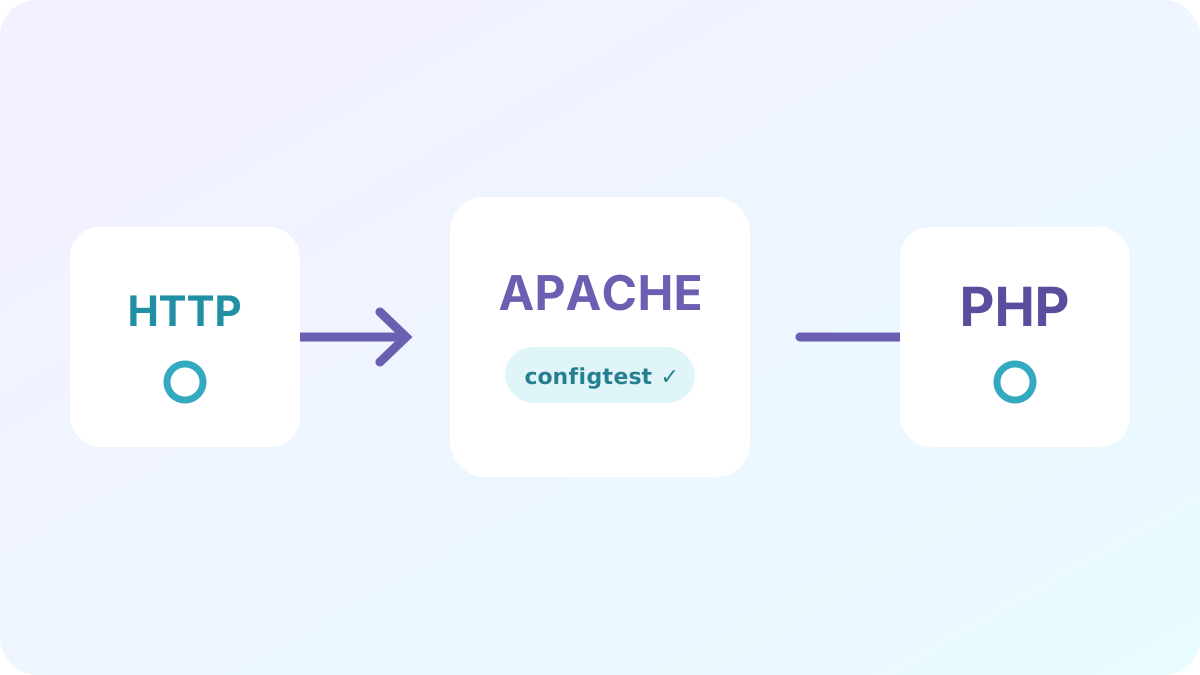
This procedure documents a PHP or Apache environment from its time. PHP 5.x and 7.x branches no longer receive standard support from the PHP project: do not deploy this configuration as is on a new server.
- First identify the versions actually installed and the loaded modules.
- Prepare a configuration backup and a rollback procedure.
- Validate the syntax, then the critical paths, on a version of PHP that is still maintained.
Reference: currently supported PHP versions.