






Overview
The cookie consent block is a customizable solution integrated into the Sonata Extra Bundle to manage users' consent to cookies in accordance with GDPR requirements. It offers a flexible and user-friendly interface for managing cookie consent.
Screens
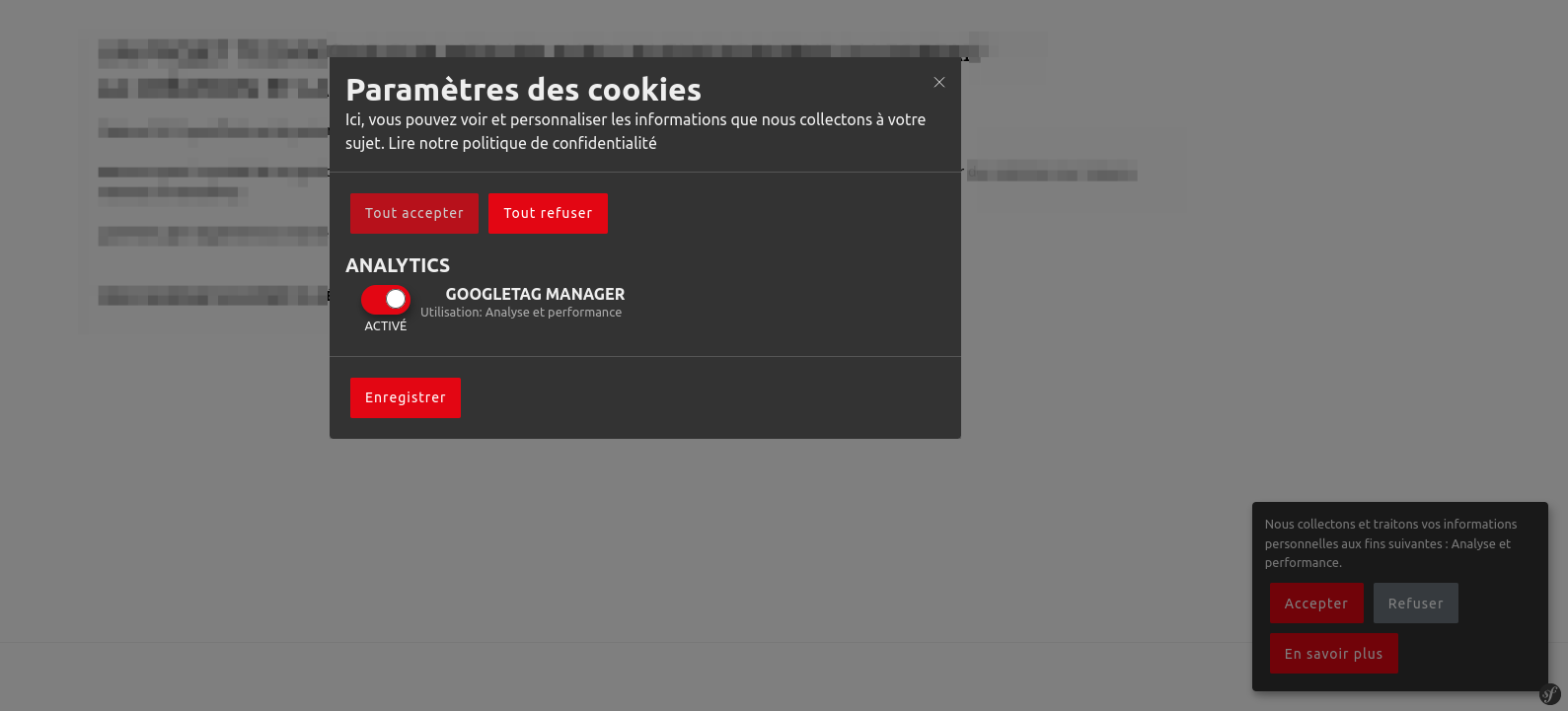
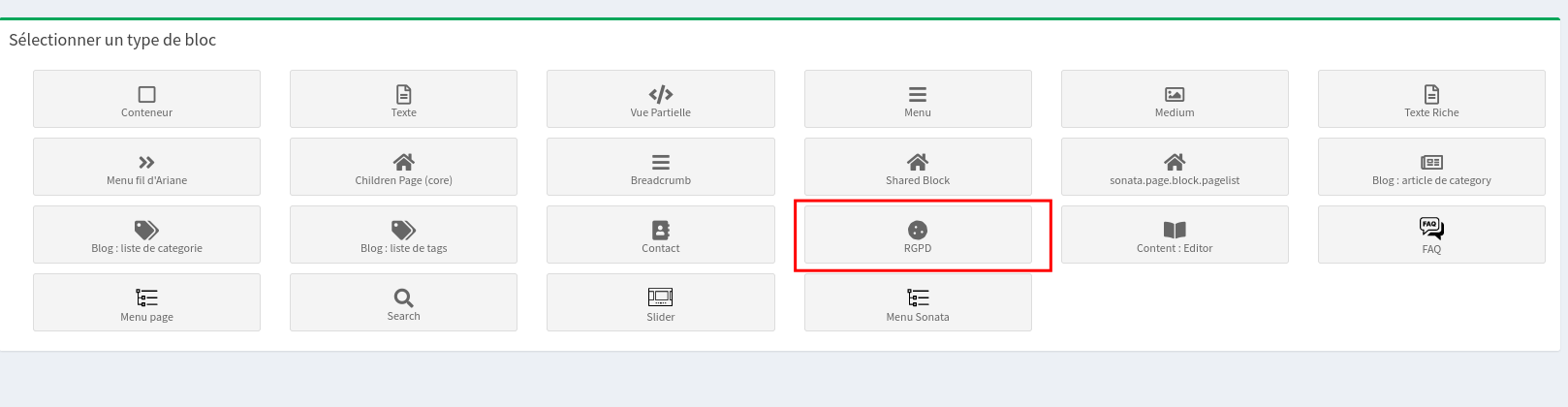
Use
The cookie consent block is designed to be easy to use and integrate. Add the block to your Sonata administration dashboard or any other part of your application where you need to display a cookie consent notice.
Configuration
Settings
You can configure the cookie consent block by adjusting the following settings in your block's configuration:
config_orejim: JavaScript configuration for the Orejime consent management platform.config_tags: Custom script tags for analytics or other purposes, in accordance with consent choices.template: Twig template path for rendering the cookie consent interface.style_url: (Optional) URL to additional CSS styles.class: (Optional) Custom CSS class for the consent block style.
Configuration example
$resolver->setDefaults([
    'config_orejim' => $orejimeConfig, // Orejime JavaScript configuration
    'config_tags' => $config_tags,     // Custom script tags
    'style_url' => '',                 // Optional additional CSS
    'class' => null,                   // Optional custom CSS class
    'template' => '@PartitechSonataExtra/Blocks/cookie_consent/default.html.twig', // Twig template
]);
Personalization
To customize the appearance and behavior of the Cookie Consent Block, modify the Twig template and CSS styles according to your needs. You can also adjust the JavaScript configuration (config_orejim) for specific consent scenarios.
Integration with Orejime
The cookie consent block uses Ear cuff for managing user consents. Make sure to be well acquainted with Orejime's configuration and usage to use this block effectively.
Translation and localization
The block supports multiple languages for GDPR compliance. Configure the translations according to your needs in the config_orejim setting.
Adapt the example to the installed version
The Symfony and Sonata examples remain tied to the versions indicated in the article. Symfony 4.x and Symfony 6.2 are no longer maintained: for a current project, use a maintained branch and the documentation that exactly matches your dependencies.
php bin/console about
composer show symfony/framework-bundle sonata-project/admin-bundle
Before resuming the code, check the signatures, services, routes, and templates concerned. Then add a functional test covering permissions, HTTP code, and the visible result.
Reference: maintained Symfony versions.