Discuss your project

Category

Sonata

26 articles Page 2

Symfony 4 / Sonata: Using JSON fields

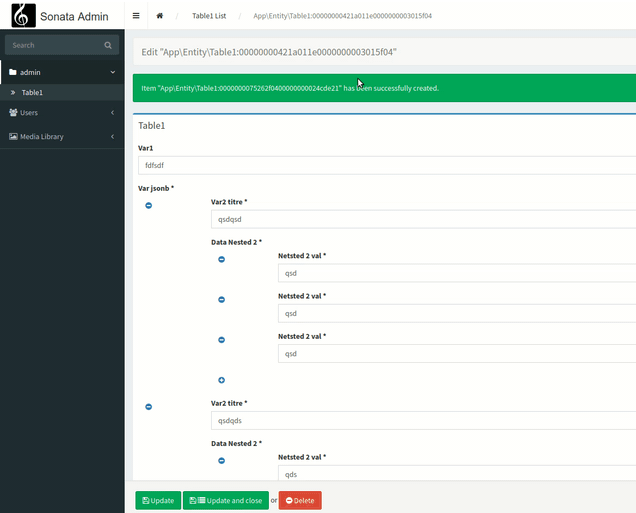
We are going to see how to exploit Jsonb field types from PostgreSQL in a generated interface of Sonata.We start with the assumption that you already master the basic concepts of Symfony, Sonata, and PostgreSQL.First, let's create a simple table in PostgreSQL that will contain a Jsonb field. CREATE SEQUENCE public.table1_id_seq; CREATE TABLE public.table1 ( id integer DEFAULT nextval('public.table1_id_seq'::regclass) NOT NULL, var1 character varying(250...
Symfony 4 / Sonata: create a custom form field type

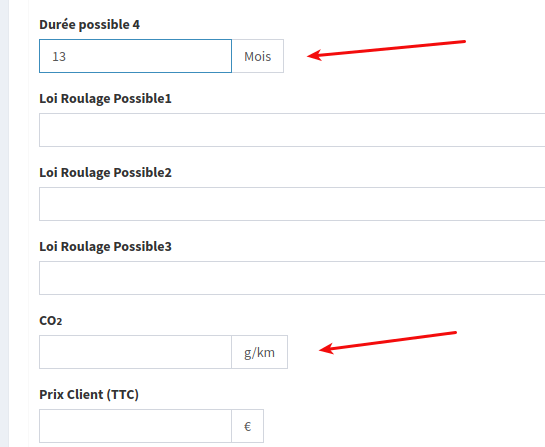
We are going to see how we can create a custom field type. In our example, we want a field that has the same rendering as a MoneyType field but in which we can add any suffix, as the money field only accepts currencies. However, in our project we want to use kilograms, months or even kilometers. In short, a whole range of possible data types.We start by creating our Type class: <?php // src/Form/Type/NumberSuffixType.php namespace App\Form\Type; use Symfony\Component\Form\AbstractType; u...

Symfony 4 / Sonata: Create a settings interface.

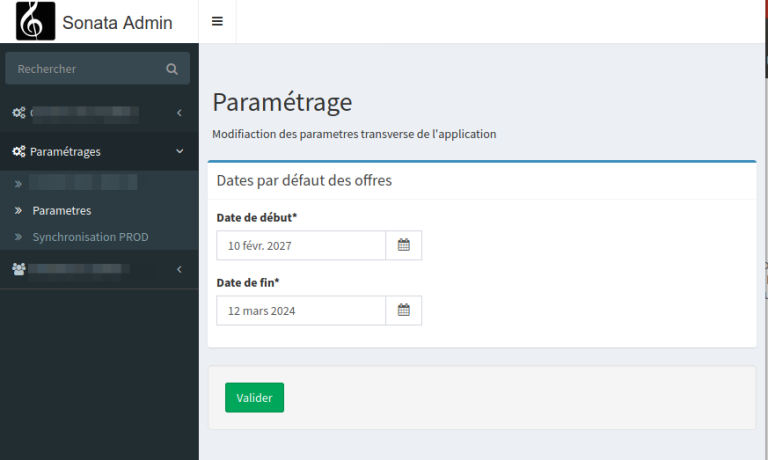
One of the recurring needs of a web project is the need for global parameters for your application. Generally, these are stored in a yml file and that's all you need. But it gets complicated when the client asks to be able to have control over them.Give them FTP/SSH access to modify them? No, definitely not. Especially if it’s to delegate this task to an intern.You will need to provide them with an admin interface with a form to be able to modify these parameters.In our case, we only need a ...

Symfony 4 / Sonata: Create a REST API

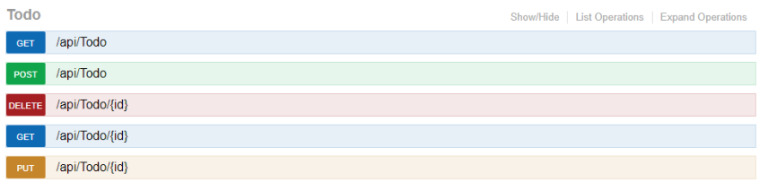
In this article, we will see how to create a REST API with FOS/RestBundle, including authentication, and a Swagger-like documentation generator. List of necessary bundles:friendsofsymfony/rest-bundle: Provides a set of tools to help develop a RESTful APIhttps://github.com/FriendsOfSymfony/FOSRestBundlejms/serializer-bundle: Allows object serialization.https://packagist.org/packages/jms/serializer-bundlelexik/jwt-authentication-bundle: Manages JSON web tokens.htt...

Symfony 4 / Sonata: Install the Sonata Page CMS

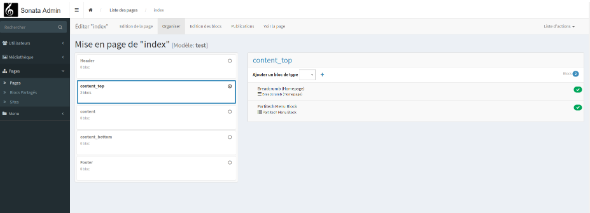
Sonata is a suite of bundles for Symfony 4. One of which allows for content management in a WordPress-like manner.There is little documentation available on the internet, and for good reason, the installation is bugged, and the few people who have dealt with the bug tracker on GitHub, have been bluntly told to RTFM.Staying put with such failure is not really my style.Here's how to install and configure Sonata-Page-Bundle, with the official installation, and the workarounds for these F###ing ...

Symfony 4 / Sonata: Create a CSV export page

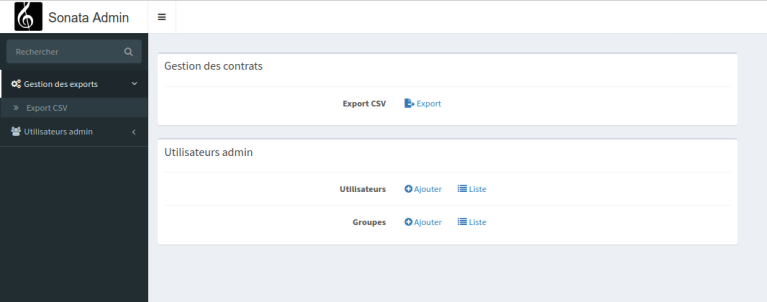
The default interfaces of Sonata are CRUDs. This is incredibly practical (otherwise, we wouldn't use it). But an administration is not only composed of CRUDs. Here we will see how to create a simple data export page, by removing the default views of the interfaces, and creating our own to manage our export button. 1 – Adding the export library composer require sonata-project/exporter We then need to add a configuration file for our exporter. #config/packag...

Symfony 4 / Sonata: Create a nested interface

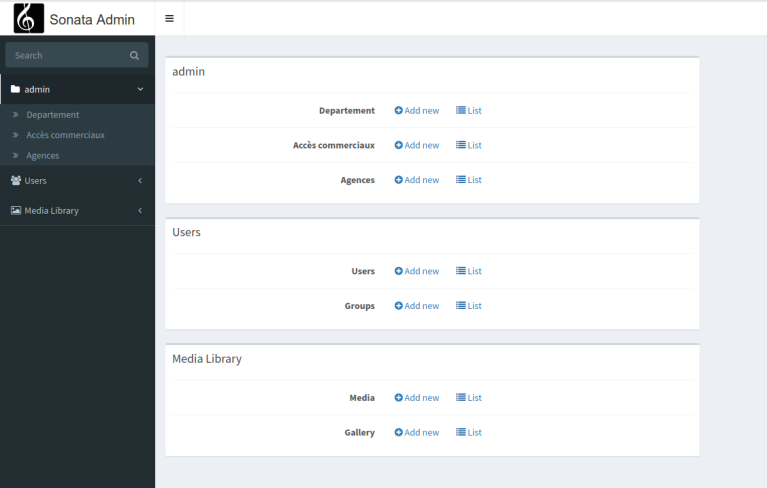
We are going to see how to build an admin interface composed of several tables that have Many2Many relationships.Let's revisit our example of a many/many interface available hereWe have a zone table, which is made up of several elements of the departments table. On these departments, we have agencies.To top it off, and to give meaning to this data chain, we add a zx_credential table, which represents salespeople.Here is our data chain: Salespeople->Zones->Departments->Agencies. ...

Symfony 4 / Sonata: create a ManyToMany administration

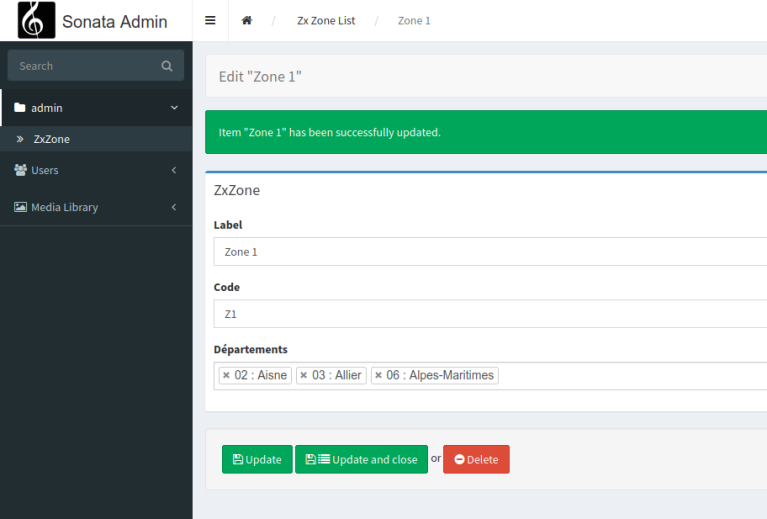
We will develop here all the manipulations to build a many to many interface via Sonata.We will take as an example a zone management with a connection by departments. Each zone is thus constituted of multiple connections with the department table.In MysqlWorkbench, it looks like this: To generate the entities, we use the following command: php bin/console doctrine:mapping:import "App\Entity" annotation --path=src/Entity Next, we ...

Symfony 4 / Sonata: Create a nested CRUD interface (child 1->N) with drag-and-drop ordering

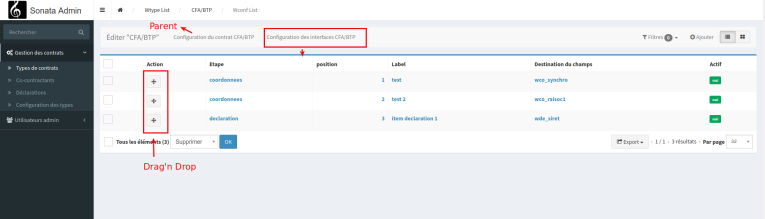
In short, we want to create a CRUD interface, 1N, with which, when we are editing an item, we add a panel to manage all the child items.Here we have a wtype table, with a wconf table that contains a series of records linked to a wtype item. Just like for the implementation example of sortable with drag'n'drop ( available here ) we are going to use the following components:pixassociates/sortable-behavior-bundle and stof/doctrine-extension...

Symfony 4 / Sonata: Manage order with drag'n drop

You need to install pixassociates/sortable-behavior-bundle and stof/doctrine-extensions-bundle composer require stof/doctrine-extensions-bundle composer require pixassociates/sortable-behavior-bundle Add the configuration in pix_sortable.yamlBy adding the entity and the field in position_field (here wconf, and the position field) pix_sortable_behavior: db_driver: orm # mongodb default value : orm position_field: default: position #default value : position entities: ...

Symfony 4 / Sonata: using form types

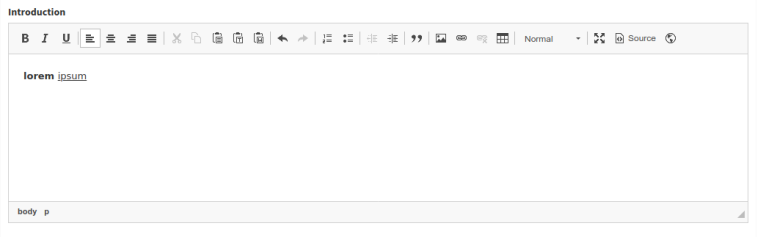
Here is a list of common form types used in admin interfaces.Date Time PickerAdd the template in the config/packages/twig.yaml file twig: form_themes: - '@SonataCore/Form/datepicker.html.twig' And in the controller: $formMapper->with('Date d\'activation', ['class' => 'col-md-4 abcdaire']) ->add('activation_debut', DatePickerType::class, ['required' => false, 'label'=>'Activation début','attr' => ['placeholder' => '']]) ...

Symfony 4 / Sonata add a filter related to a OneToMany entity

Filters are managed in the configureDatagridFilters method protected function configureDatagridFilters(DatagridMapper $datagridMapper) { $filers=$datagridMapper->getAdmin()->getFilterParameters(); } One can add a simple filter on a title or any parameter of our entity.The show_filter parameter allows to display it when the page loads. Combined with the value of $filters, one can specify to keep the element displayed after the filter submission.For example, one can set the filter to ...